
How Is Web Design Done with Artificial Intelligence?
The web design process with artificial intelligence is carried out by using smart algorithms that eliminate the obligation to write code or accelerate professionals’ workflows. While visual concepts are created with Midjourney, an HTML and CSS skeleton can be produced within seconds using language models such as ChatGPT or Claude. Thanks to this modern approach, technical details are delegated to AI, and designers can focus entirely on aesthetic composition, completing their projects much faster.
These next-generation tools, which replace traditional methods, analyze user behavior and automatically present the most suitable template and layout plan. Platforms like Framer or Wix ADI process simple instructions and instantly build the entire site architecture, from color harmony to mobile optimization. Instead of getting lost in complex code blocks, drag-and-drop systems ensure the site works flawlessly both visually and functionally.
Integrating AI during the design phase also brings technical improvements that increase the site’s search engine visibility. Time-consuming tasks such as optimizing content according to SEO criteria and making visuals more original become automated. The designer now takes on the role of a creative director who manages AI tools rather than a purely technical implementer. As a result, the websites produced deliver top-level performance in terms of user experience and gain a competitive advantage in the digital world.
The Most Popular AI Tools That Transform the Design Process from Start to Finish
The world of web design has moved beyond manual drawings and hours-long coding processes into a far more dynamic structure. Interface work or color palette selections that once took days can now be resolved in minutes thanks to next-generation tools. These tools not only speed up tasks but also allow designers’ imagination to go beyond technical limits. You should get to know the platforms most frequently used by professionals in the industry—tools that can take projects to the next level.
- Midjourney: Unmatched in visual concept creation, this tool provides high-resolution and artistic interface ideas using only text prompts. It makes spending time on stock photo websites for initial drafts or original visuals a thing of the past.
- Framer AI: Framer enables designers to publish professional websites without writing code, and it takes the process one step further with AI support. With a simple sentence, it builds your site’s structure, colors, and typography within seconds and makes it instantly publishable.
- ChatGPT and Claude: These advanced language models support every stage—from writing the HTML and CSS code that forms the design skeleton to shaping a content strategy. They are especially powerful assistants for solving complex code blocks or writing user-experience-friendly copy.
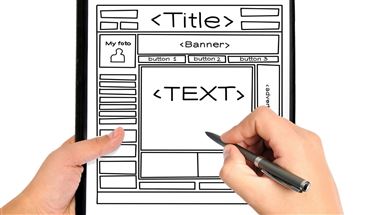
- Uizard: Converts a simple sketch drawn on paper into an editable digital design within seconds. It is a lifesaver for those who want to offer clients a quick preview, especially at the prototyping stage.
- Relume: Automates the process of creating a sitemap and preparing wireframes. With a library made up of thousands of components, it helps you build the site’s logical flow and enables you to transfer this structure to platforms like Figma or Webflow.
These applications do not replace designers; instead, they act as co-pilots that strengthen their capabilities. Using the right tool at the right stage maximizes project efficiency while minimizing the margin of error. Those who integrate technology into their workflow can showcase creativity freely without getting stuck on technical barriers, resulting in far more professional work.
Can You Do Web Design with Artificial Intelligence?
AI technologies have made the website creation process far more accessible for everyone by removing the need for deep technical expertise. Especially users without coding knowledge can create a functional landing page, personal blog, or portfolio within minutes thanks to advanced algorithms. Ready-made templates and automatic layout suggestions offer extremely practical solutions to meet basic needs and quickly take a place in the digital world. These tools are a highly efficient starting point for building a draft and making ideas tangible.
Although automation systems can produce visually satisfying results, they often remain superficial when it comes to the in-depth SEO strategies and technical infrastructure that determine a website’s success. In competitive industries that target top rankings in search engines or in projects requiring complex data flows, standard AI outputs do not deliver the expected performance. Perfect semantic code structure, site speed optimization, and customizations that fully match user intent require strategic human intelligence beyond algorithms. While AI operates with generic data, a professional approach produces boutique solutions tailored to a brand’s specific goals.
For businesses that want long-term success and lasting brand authority, professional expert oversight is essential. AI tools should be used as powerful assistants that speed up workflows, but the final structure and strategic planning of the project must be handled by experienced designers. Processing industry-specific fine details, designing conversion-focused pages, and foreseeing future technical issues to reinforce the system is only possible when professionals are involved in the process.
Is It Possible to Build a Website Only with AI Without Knowing How to Code?
Building a presence in the digital world without struggling with lines of code is no longer just a dream—it is one of the greatest conveniences technology offers. Thanks to advanced platforms, you can create a functional web presence without needing technical knowledge, simply by describing what you want. These systems understand the user’s vision within seconds and automatically construct the right color palette, layout, and content structure, simplifying the process dramatically.
The process typically starts with a simple text input, and AI processes that input to transform it into a fully equipped interface. With small adjustments made through user-friendly panels, the site’s overall look and feel can be personalized and made brand-specific. Especially for bloggers, small businesses, or those who want to present a portfolio, this method reduces development timelines from months to a few hours and removes technical barriers.
The results are not limited to visual design; they also include a mobile-friendly, working infrastructure. Technical steps such as connecting a domain and publishing can also be completed easily with the guidance of these smart assistants. As a result, the challenges that require deep software knowledge are overcome, and building a website becomes a much faster and more practical process that everyone can access.
How to Create an HTML/CSS Skeleton Using ChatGPT and Claude
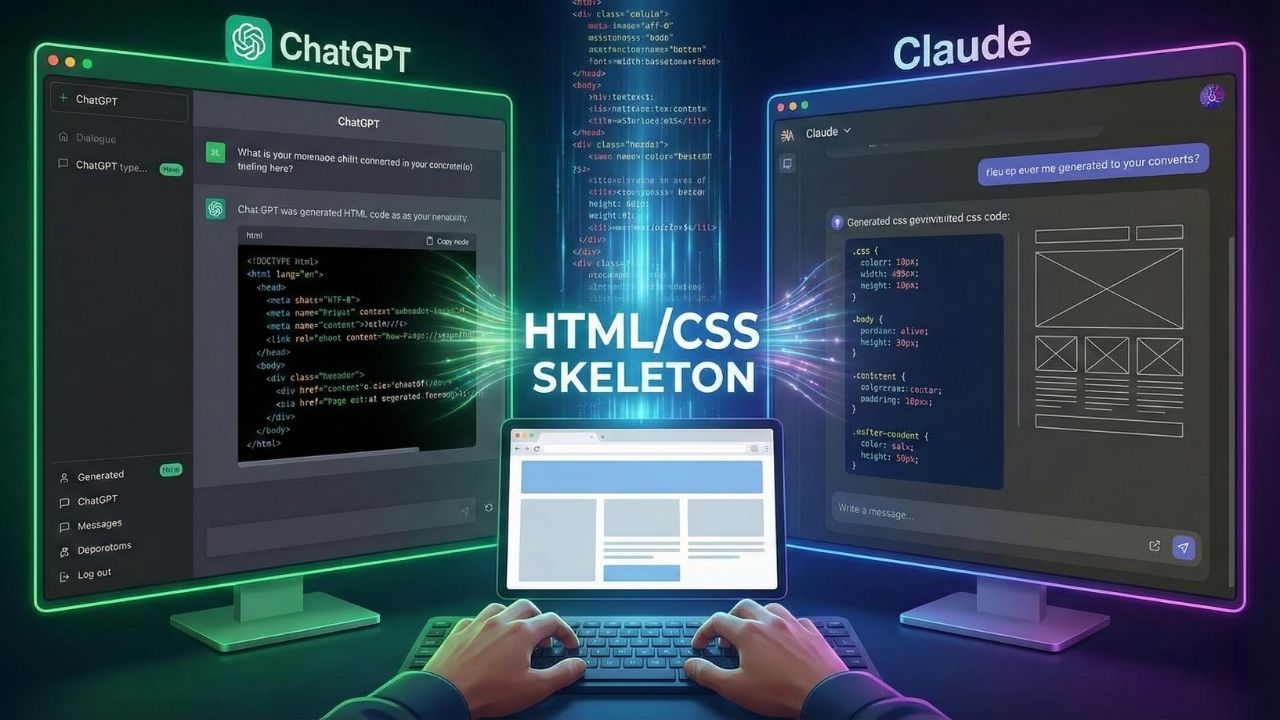
In modern web development, the burden of writing code from scratch has given way to efficient collaboration with smart assistants. These advanced language models can understand descriptions written in natural language and generate clean, functional code blocks within seconds. Providing the right prompts is enough to produce grid systems, responsive menus, or complex form elements that could take a developer hours to build. This makes it much easier to focus on the project’s architecture rather than getting lost in technical details and syntax errors.
To get maximum value from these tools and build an error-free structure, the strategic steps to follow are:
- Detailed and Specific Description: Instead of saying “write website code,” give clear instructions such as “Place the logo on the left in the header, navigation on the right, and add a sticky feature.”
- Specify the Technology Preference: To ensure the output can be integrated into your project, state technology standards upfront such as “Use Tailwind CSS classes” or “Build it with pure CSS and a Flexbox structure.”
- Modular Progress Method: Rather than generating the entire page at once, requesting code in parts—first the top menu, then the content area, and finally the footer—provides more controlled results.
- Emphasize Semantic Structure: To ensure SEO performance, specifically request that the code be written using semantic tags such as header, main, section, and article instead of piles of divs.
- Error and Revision Management: If you notice a visual issue in the generated code, describe it clearly (e.g., “The menu overflows on mobile”) and request a corrected version immediately.
These raw codes generated by AI are an excellent starting point for building the project’s core skeleton. Moving the output into your code editor and testing it in the browser to make fine adjustments can save significant time. With this method, repetitive tasks are automated, while designers and developers can devote far more time to creative customizations and user experience.
Creating Site Visuals and UI Design with Midjourney and Similar Tools
Visual design processes have evolved from static production into a dynamic journey of discovery with generative AI tools like Midjourney. Instead of staring at a blank page, designers can put their dream interface into words and obtain high-quality UI concepts within seconds. These platforms fuel the creative side of projects with rich variations—from color palettes to button styles—while delivering incredible speed for moodboard work presented to clients. Although the outputs may not be directly code-ready, they provide a unique foundation to be referenced in professional editing tools and transformed into an excellent website skeleton.
Visual assets, the most important element defining a website’s atmosphere, also benefit from this technology by eliminating dependence on stock photos. Rather than using standard, widely seen ready-made images, it becomes much easier to generate original illustrations and backgrounds that perfectly match the brand’s story. Industry-specific icon sets or cover images needed for blog posts can be created within a consistent design language with AI support. This originality not only enhances the site’s visual quality but also aligns with the value search engines place on unique content, improving overall digital performance.
Are AI-Built Websites Successful in Terms of SEO?
Websites created by AI tools can have a technically clean code structure when guided with the right prompts and professional direction. When search engine bots crawl a site’s source, they consistently prioritize pages that are free of unnecessary code bloat, load quickly, and are mobile-friendly. However, standard AI outputs can often remain superficial in semantic tagging and hierarchical content organization. To gain digital visibility, it is not enough for the code to work flawlessly; it must also be structured in a way search engines understand and aligned with schema frameworks.
Relying on automation for content production and site architecture introduces critical risks in terms of originality and delivering real value to users. Advanced algorithms like Google reward pages that fully satisfy user intent, are experience-based, and offer depth of information. Generic copy produced by blending existing internet data can create a perception of duplicate content or reduce a site’s authority score. To secure lasting top rankings, all produced materials must go through human review, and the keyword strategy must be integrated into the text with a natural flow.
The healthiest approach for projects that want to stand out in digital competition is to position technology as a strategic tool. The foundational infrastructure built with AI delivers highly successful results when it is reviewed by an experienced SEO specialist and refined with the necessary technical optimizations. Fine adjustments such as sitemap structuring, writing click-driven meta descriptions, and building internal linking architecture require strategic intelligence beyond algorithmic tools. Ultimately, a site’s success depends less on the software used and more on the competence of the professional who manages and optimizes the process.



Do Comment